
Fix Closed Eyes in Photo Online
Upload a blinking or closed-eye photo and restore natural-looking open eyes in seconds. Best for portraits, family photos, and group shots that only need a focused fix.
Three Photo Types Worth Saving
These examples focus on common moments where everything else in the photo already works: a family shot, an outdoor portrait, and a wedding image. Instead of turning the page into a long gallery, the selected cases show the core repair pattern clearly.
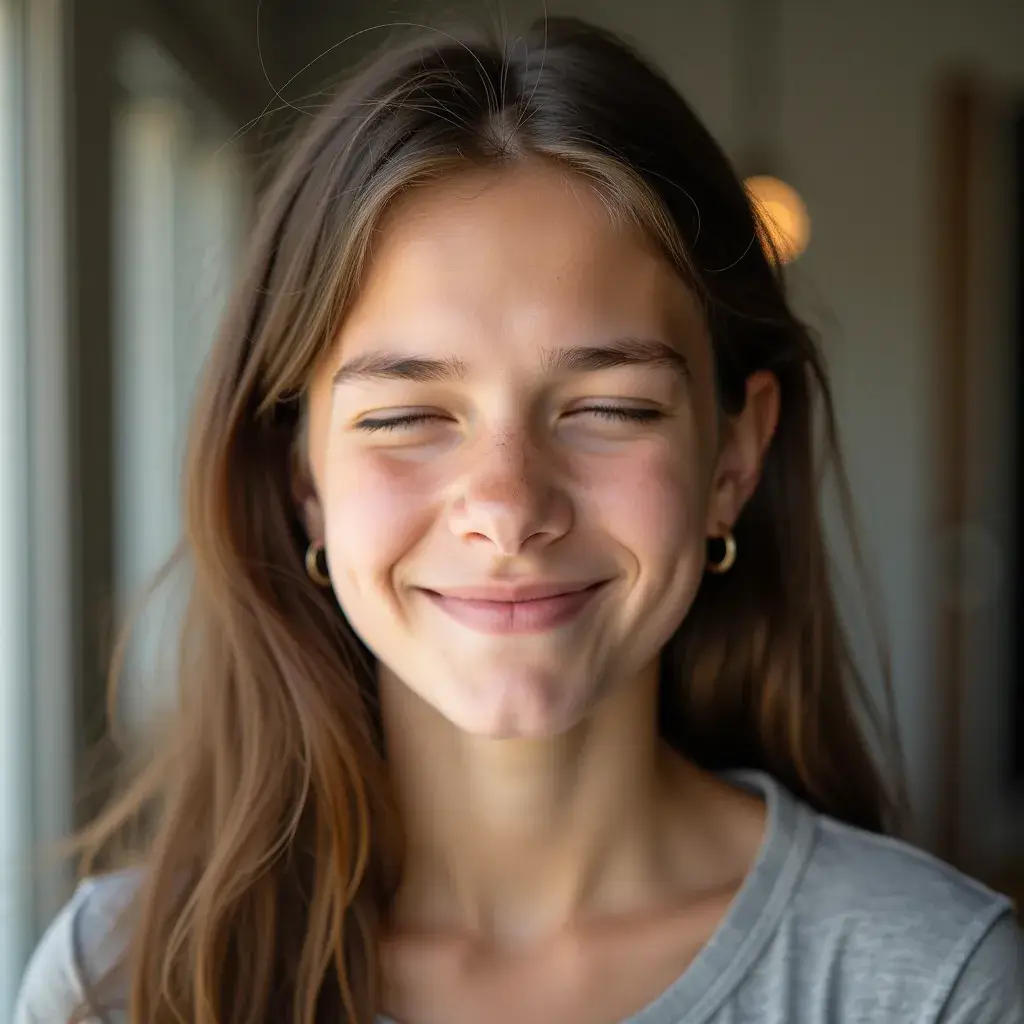
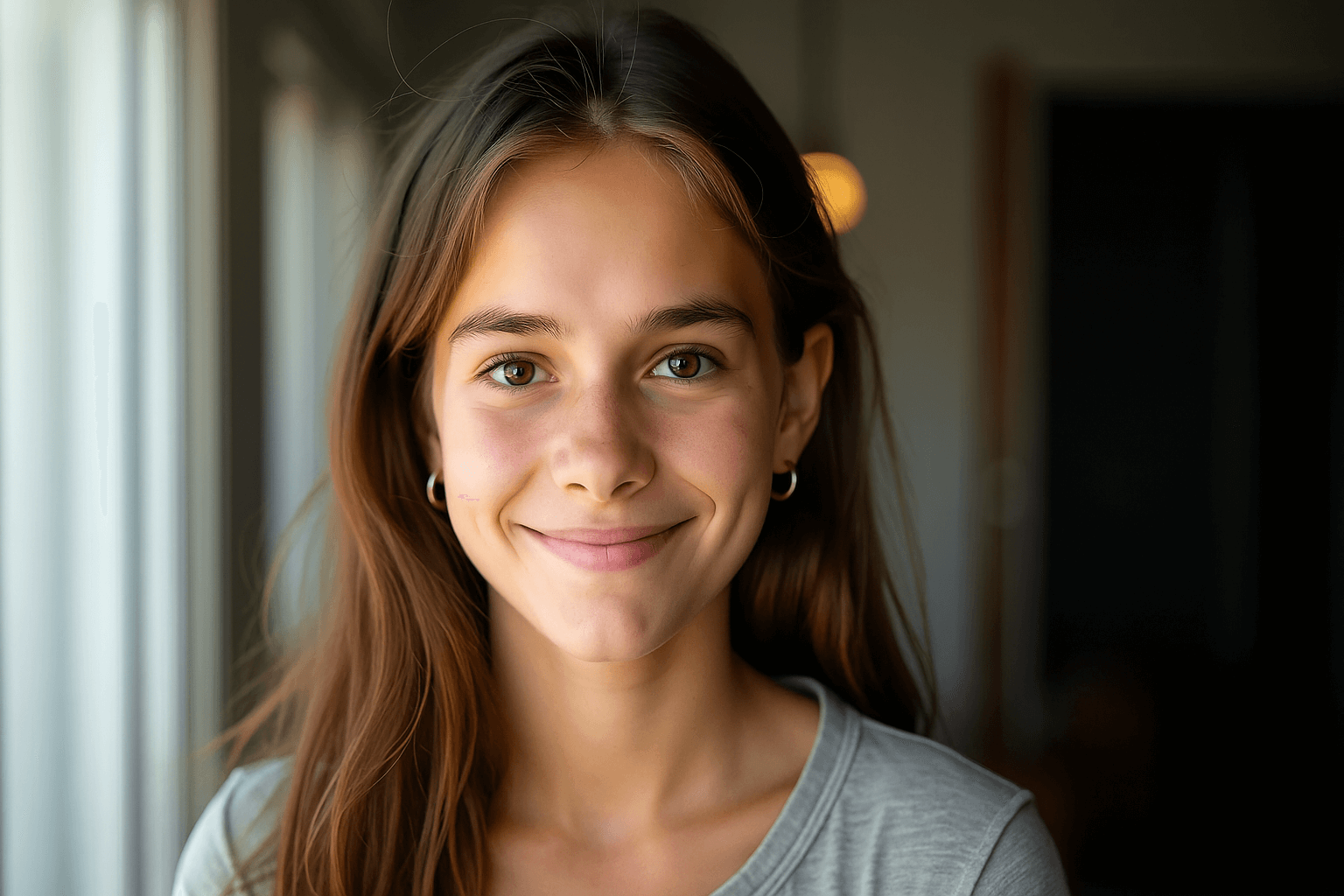
Family and group photos often need one blink repaired, not a full retouch.
Common Closed-Eye Photo Scenarios
Use this page when a photo is already worth keeping but one closed-eye moment needs a focused repair. The same workflow works across portraits, groups, weddings, birthday photos, pet lifestyle shots, and older scanned images.
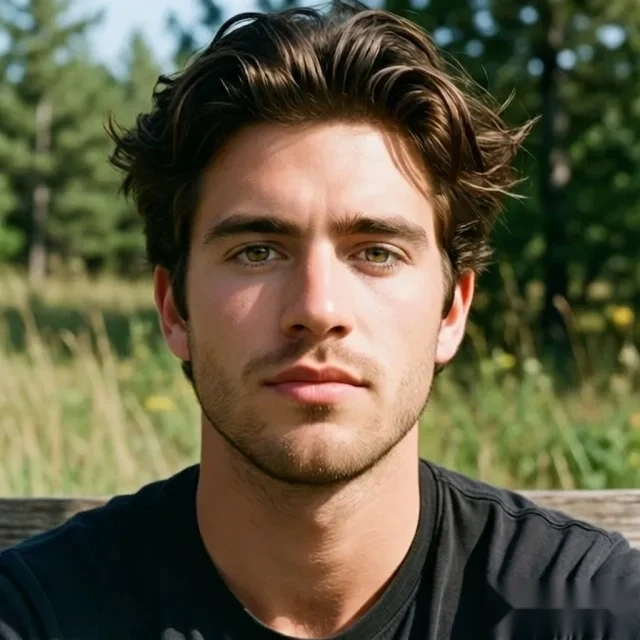
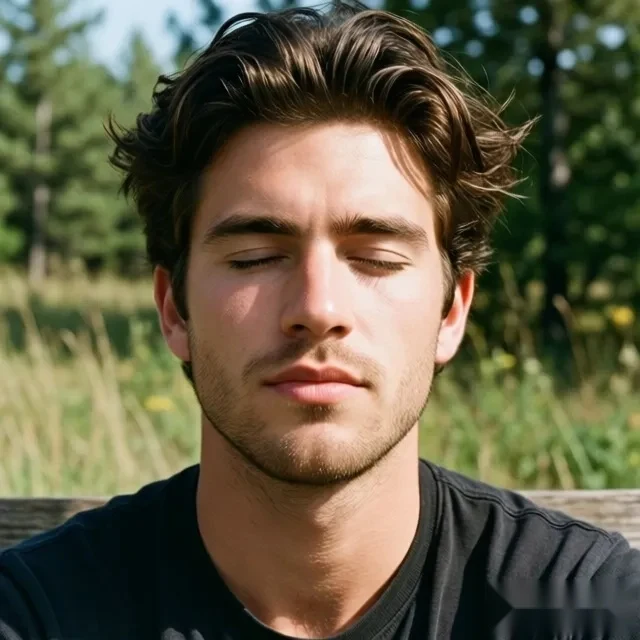
Portraits with the right expression but closed eyes
The composition, light, and smile are already right, but the closed-eye frame makes the portrait feel unusable.
Repair the eye state while preserving the original face shape, lighting, and expression.
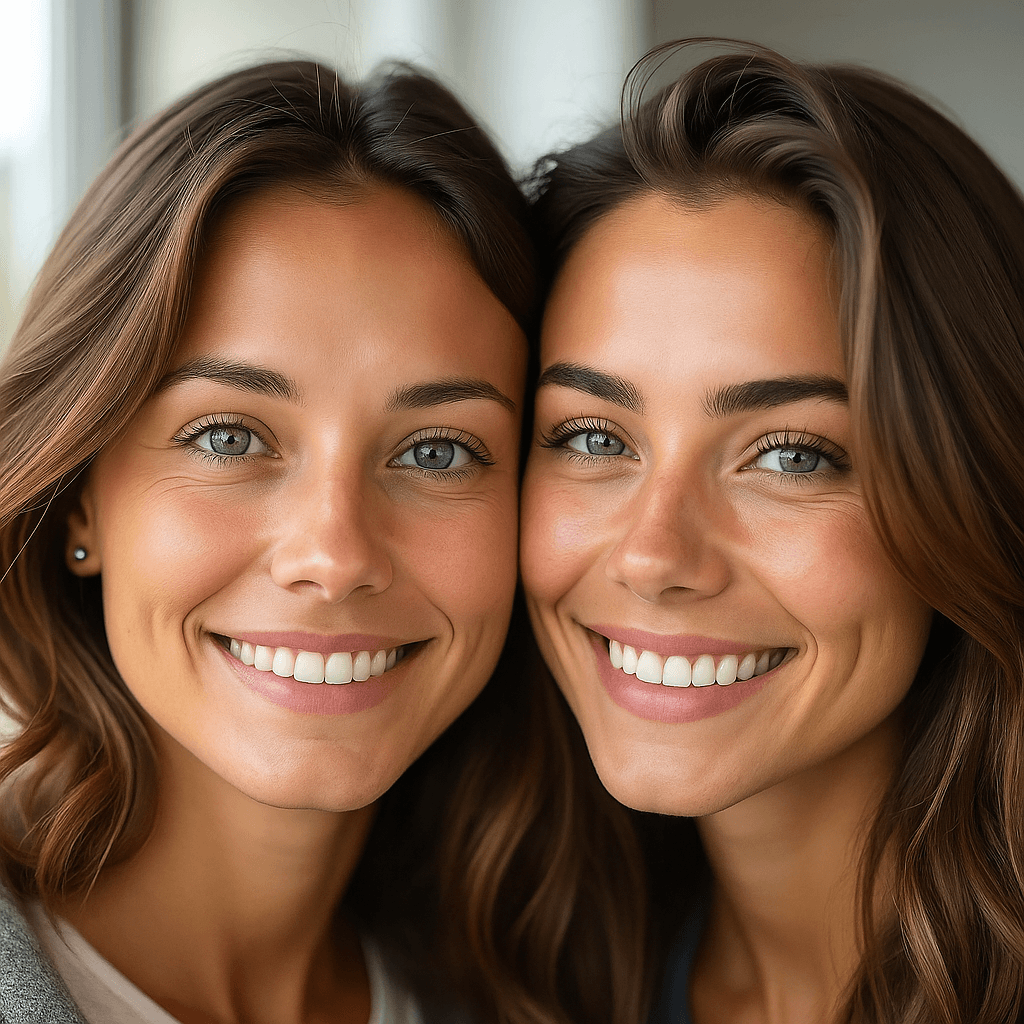
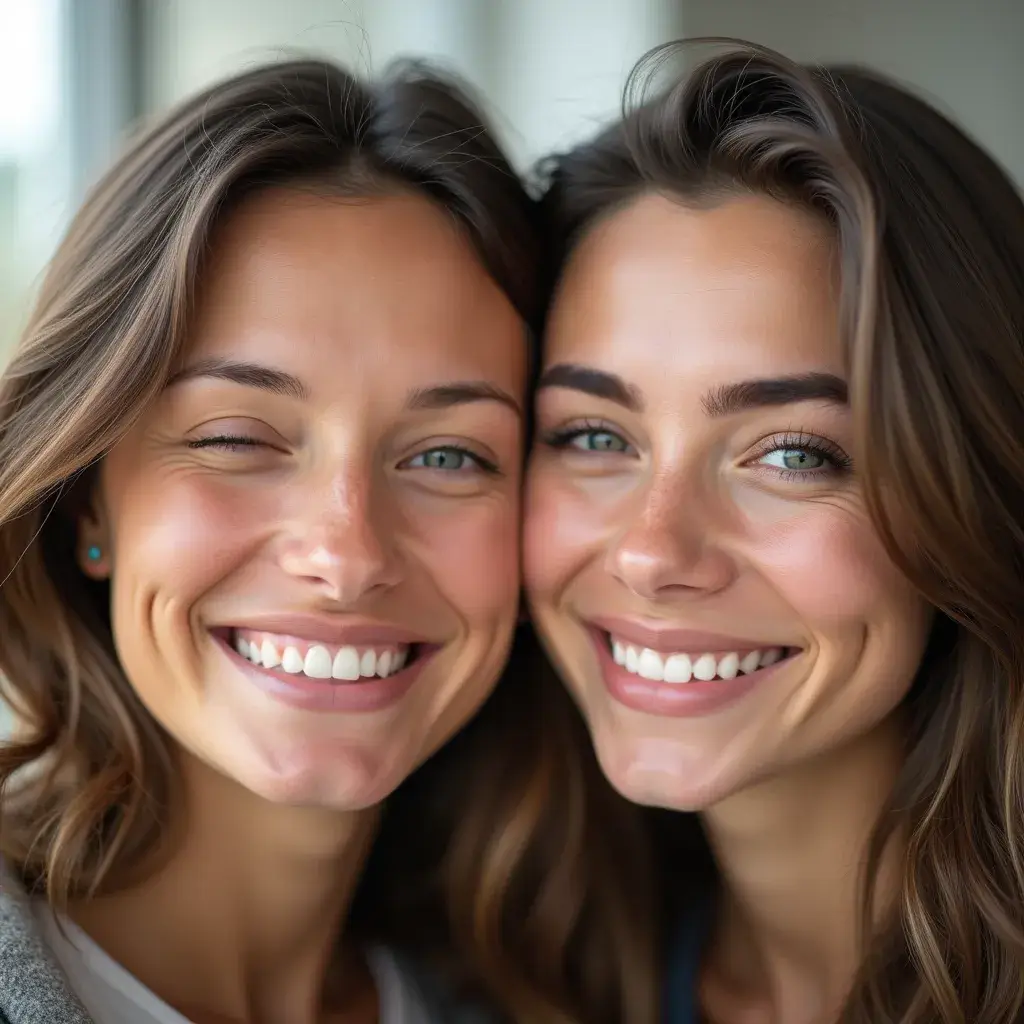
Group photos where one or several people blinked
A group or family photo can be strong overall, but a few closed eyes make it harder to use or share.
Detect every face and repair the closed-eye details in one pass without changing the rest of the group.
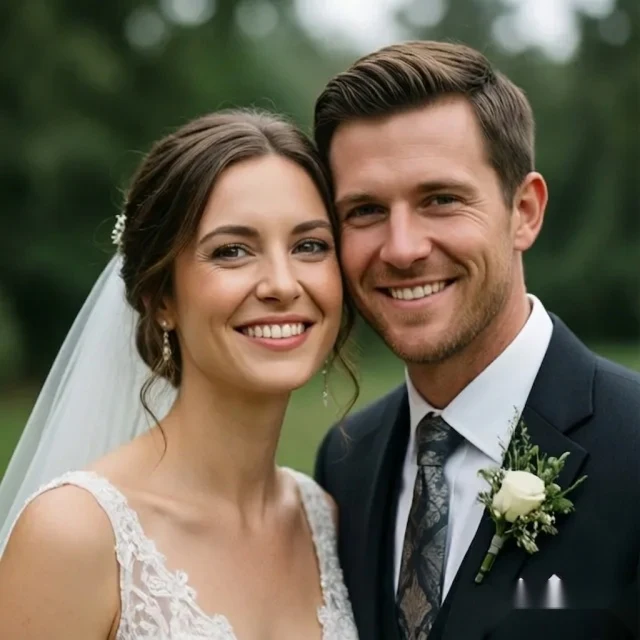
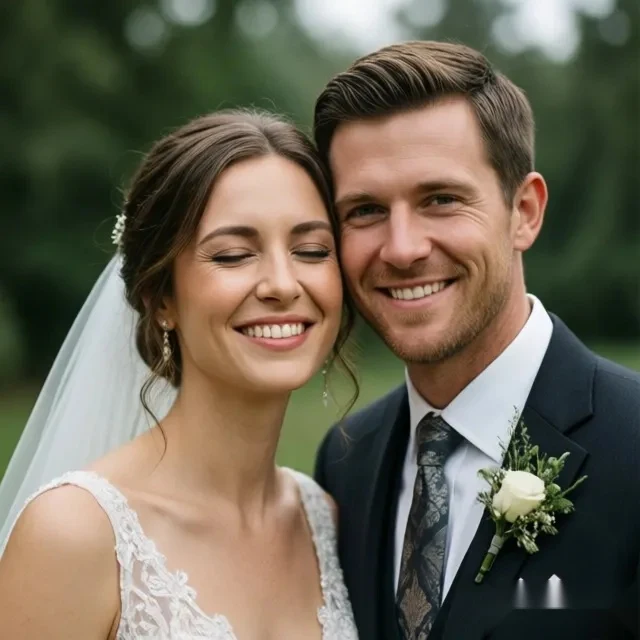
Wedding photos that are difficult to retake
A wedding image can capture the right moment, outfit, and mood, yet still be weakened by one blink.
Keep the original memory and repair the closed eyes naturally instead of rebuilding the whole photo.
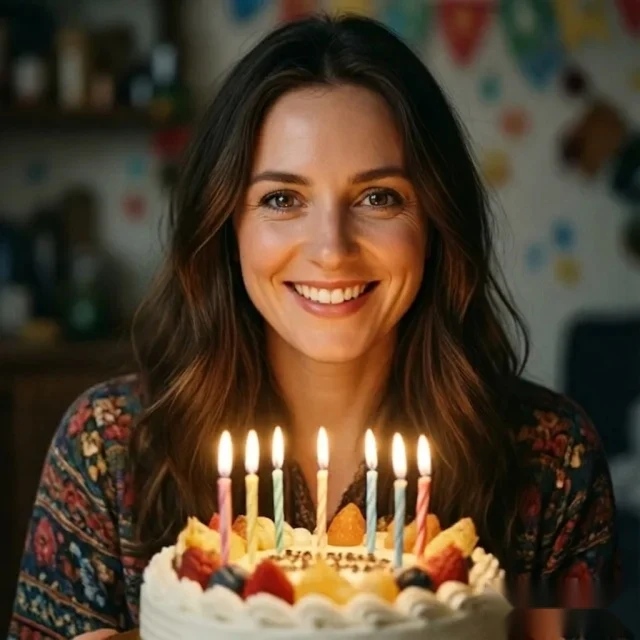
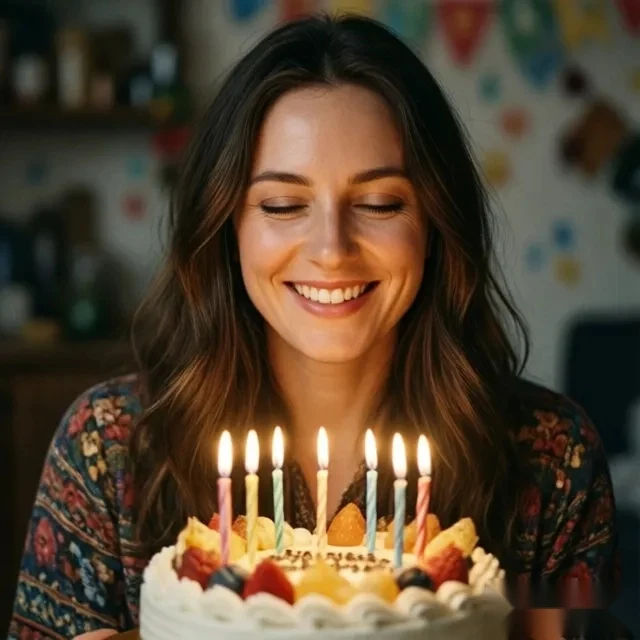
Birthday and event photos with one bad blink
Celebration photos are hard to restage, so one closed-eye moment can make a useful memory feel wasted.
Restore natural-looking open eyes while keeping the celebration mood and original expression.
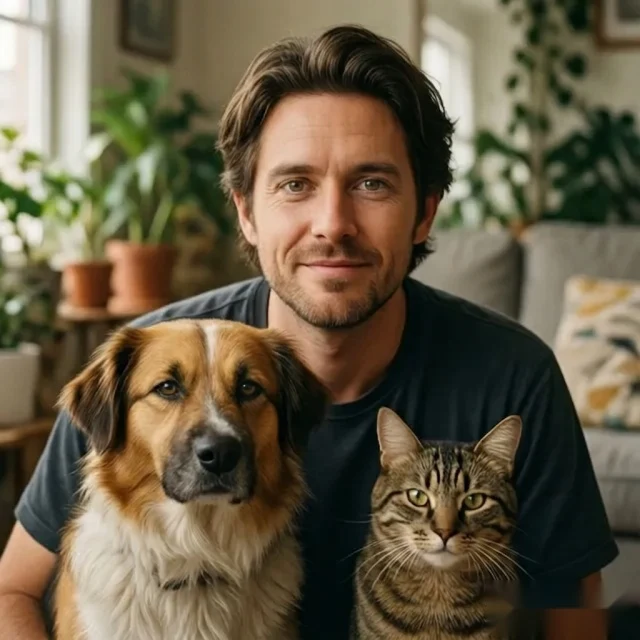
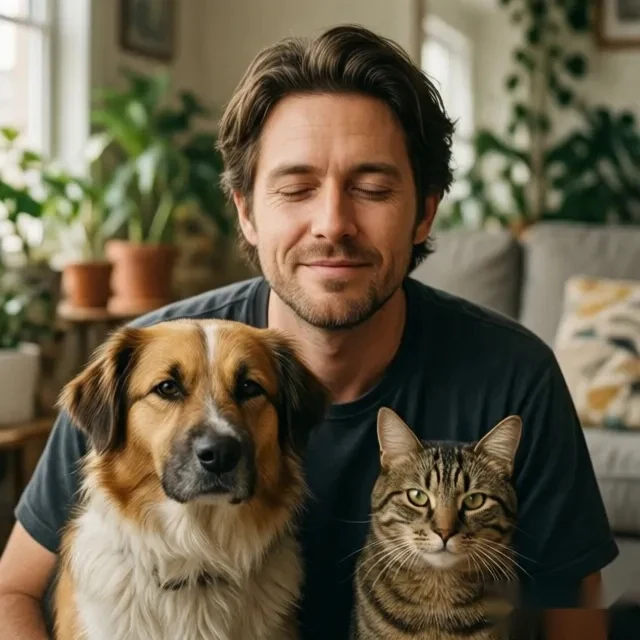
Pet lifestyle photos where the human face needs a small repair
Lifestyle photos with pets often depend on a natural, candid feeling, so heavy editing can make them look less real.
Repair the closed-eye detail while keeping the interaction, warmth, and everyday feel of the original shot.


Older or scanned photos that need the clearest available source
Old photos and scans can have less detail, scratches, or lower resolution, which gives the AI less information to work with.
Upload the clearest scan you have so the tool can make the most natural repair from the available image quality.
Fix a Photo Like This
Upload your photo and repair the closed-eye moment through the same focused workflow.
How the AI Fixes Closed Eyes Naturally
OpenClosedEyes analyzes face shape, eye position, and the surrounding lighting before generating a natural-looking open-eye result that fits the original expression.
Detect the face and eye region
The system locates the closed-eye area and maps how the face is structured in the original photo.
Read shape, position, and lighting
It evaluates face shape, eye position, and surrounding light so the edit matches the original image context.
Generate a natural open-eye result
The result is created to fit the original expression rather than looking like a separate pasted-in edit.
Blend the correction back into the photo
The final image keeps the original shot usable, with one focused correction instead of heavy retouching.
Detect the face and eye region
The system locates the closed-eye area and maps how the face is structured in the original photo.
Why This Feels Faster Than Manual Editing
Instead of sending users into a broad photo editor, this page positions the tool as a direct closed-eye repair workflow.
General editors make you search for the right controls, zoom in, experiment, and manually rebuild a detail that most users only need once.
OpenClosedEyes turns the task into one focused workflow: upload the photo, let the AI repair the closed-eye moment, and keep the shot you already wanted to save.
Frequently Asked Questions
Answers for users trying to repair a blinking or closed-eye photo quickly.
How do I fix closed eyes in a photo?
Does fixing closed eyes in photos look natural?
Can you fix closed eyes in group photos?
Do I need Photoshop or any editing skills?
Can you fix closed eyes in old photos?
What image formats are supported?
Is it free to fix closed eyes in photos?
Are my photos private?
How long does it take?
What if several people have closed eyes in the same photo?
What is the difference between this page and the homepage tool?
My photo is blurry or low quality; will the fix still work?
Use the Main Tool
Start from the product entry point or review the privacy and service terms before processing a photo.
Open the main upload experience for closed-eye photo repair.
Review how photo processing and account deletion are handled.
Read the service terms for using Open Closed Eyes.