
How to Fix Closed Eyes in a Photo
Upload a photo with blinking or closed eyes and let AI restore a natural-looking result in seconds. A fast way to save wedding shots, birthday memories, and profile photos without manual retouching.
Common Photo Moments Worth Fixing
This kind of fix matters most when the moment is difficult to repeat. Wedding portraits, birthday photos, and profile images are typical examples where one closed-eye frame can ruin an otherwise usable shot.
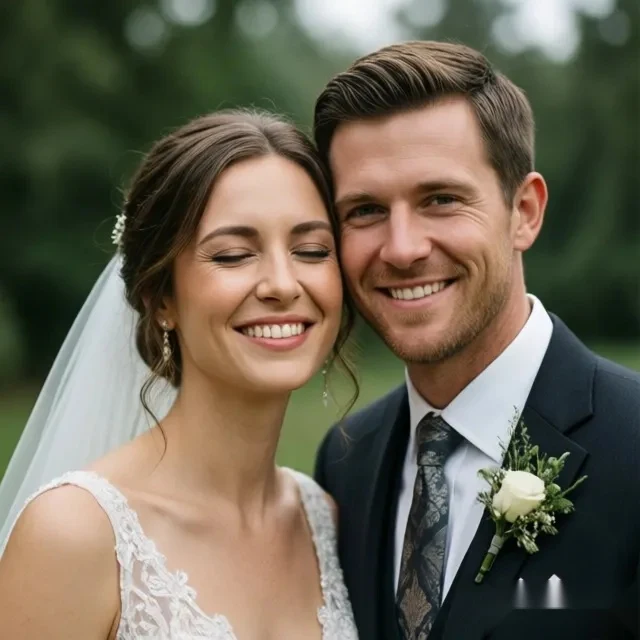
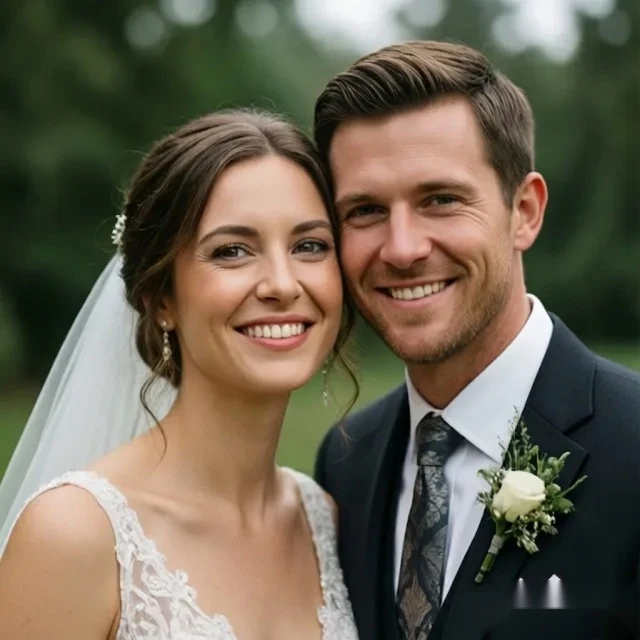
A wedding photo is worth fixing when the moment is hard to recreate.
When AI Closed-Eye Fixing Works Best
Results are strongest on birthday memories, personal-branding portraits, and clear front-facing photos where the face is easy to read and the eye area is not heavily blocked.
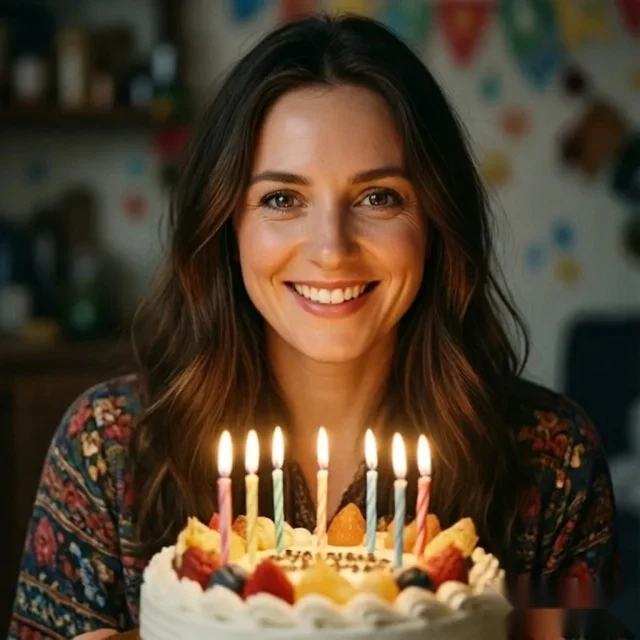
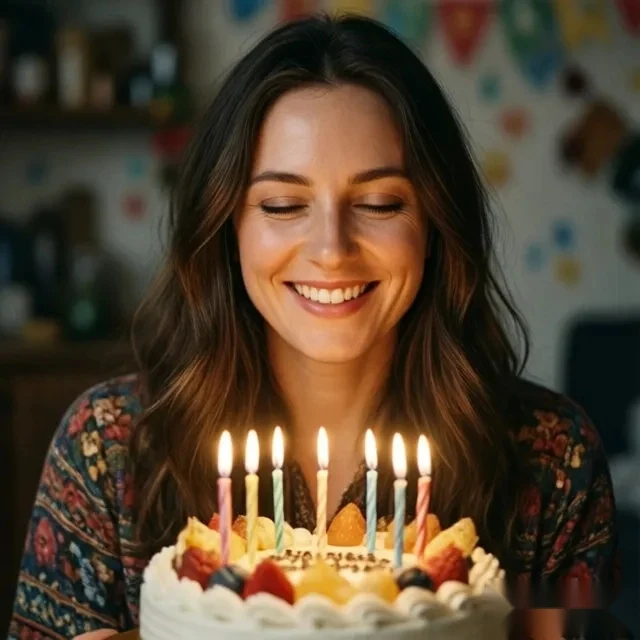
Birthday photos are worth saving with one focused eye correction
Birthday moments are hard to restage, but one blink can make an otherwise great memory photo feel unusable.
Repair the closed-eye detail while keeping the original celebration mood and expression intact.
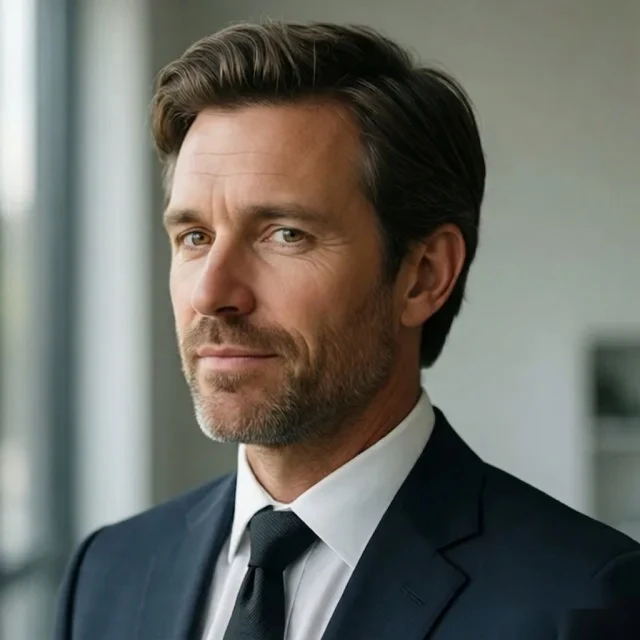
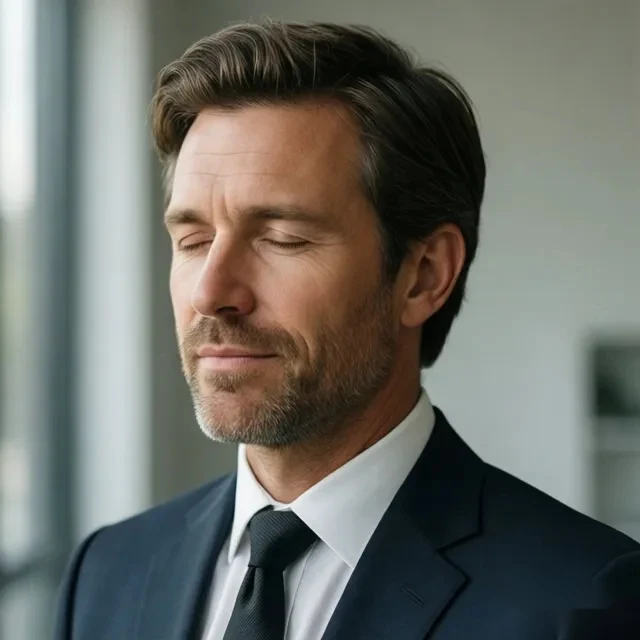
Profile and personal-branding portraits benefit from a natural fix
A profile photo usually needs only one precise correction, but closed eyes can make the whole image feel less usable.
Restore natural-looking open eyes without changing the original pose, lighting, or polished feel.
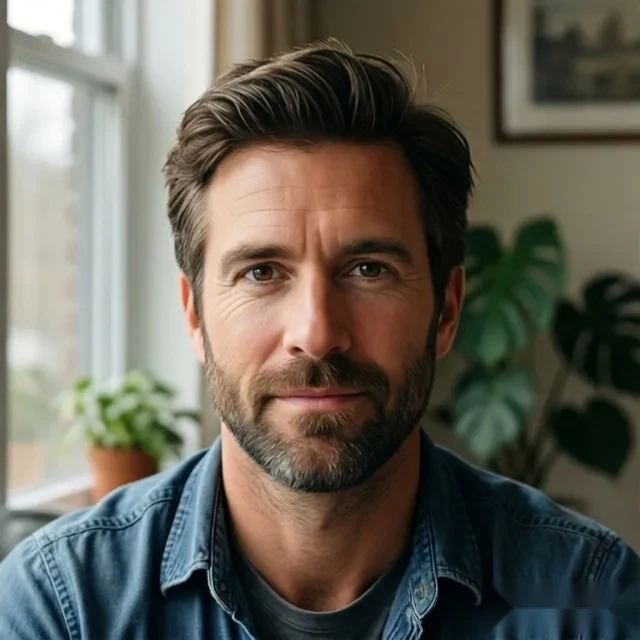
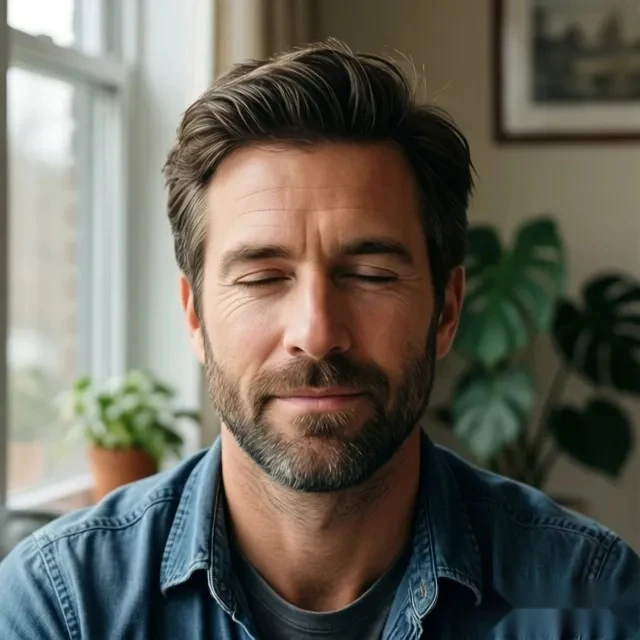
Clear, front-facing photos with stable light produce the strongest results
If the eyes are blocked by hair, glare, or difficult angles, the model has less reliable detail to work with.
Choose photos with readable eyes, a clear face, and more stable lighting to get a more natural repaired result.
Try It on a Similar Photo
Upload an important photo and see how quickly AI can repair the closed-eye moment.
Fix Closed Eyes in a Photo in 3 Simple Steps
If a photo is already great except for one blinking moment, you do not need a full photo editor workflow. Upload the image, let the AI analyze the face and eye area, and download a corrected version with more natural open-eye detail.
Upload the photo with the closed-eye moment
Start with the image you want to save, whether it is a wedding shot, birthday memory, or profile photo that became unusable because of one blink.
Let AI analyze the face and eye area
The system reads the face, the eye position, and the surrounding light so it can generate a correction that fits the original expression.
Download the repaired photo
Get back a version with more natural open-eye detail, without going through a longer manual editing workflow.
Upload the photo with the closed-eye moment
Start with the image you want to save, whether it is a wedding shot, birthday memory, or profile photo that became unusable because of one blink.
Why Use a Focused Tool Instead of Manual Editing
General editing tools make users solve a precise problem with broad controls. OpenClosedEyes should feel faster because it is built around one direct task: fixing closed eyes in a photo without unnecessary steps.
Manual editing often means more tools, more decisions, and more time spent trying to repair one small detail in a photo you already wanted to keep.
OpenClosedEyes reduces the task to a short tutorial-like path: upload the photo, let AI handle the closed-eye fix, and download the repaired version.
Frequently Asked Questions
Quick answers for users searching how to fix closed eyes in a photo.
How to fix closed eyes in a photo without manual editing?
Can AI fix closed eyes in a wedding photo?
What kind of photo works best for closed-eye repair?
Will the result still look natural after I fix closed eyes in photo?
Can I fix one person in a group photo?
Do I need Photoshop to fix closed eyes?
Is this the fastest way to fix blinking in photo online?
How to open closed eyes in a photo when the original image is already good?
Can I fix eyes closed in picture for profile photos and event shots?
What makes a focused AI workflow better than general editing tools?
Related Pages
Explore the other main pages around closed-eye repair and eye opening.
Start from the main tool page.
Go to the more direct problem-solving page.
See the more result-focused version of this workflow.