
Open Eyes in Photo with AI
Upload a blinking or closed-eye photo and restore realistic open eyes in seconds. Great for portraits, casual photos, and everyday moments that are already worth keeping.
See What Natural Open-Eye Results Look Like
Opening eyes in a photo should not make the whole face look over-edited. The best result keeps the original mood, lighting, and expression of the image while restoring a natural open-eye look that still feels like the same photo.
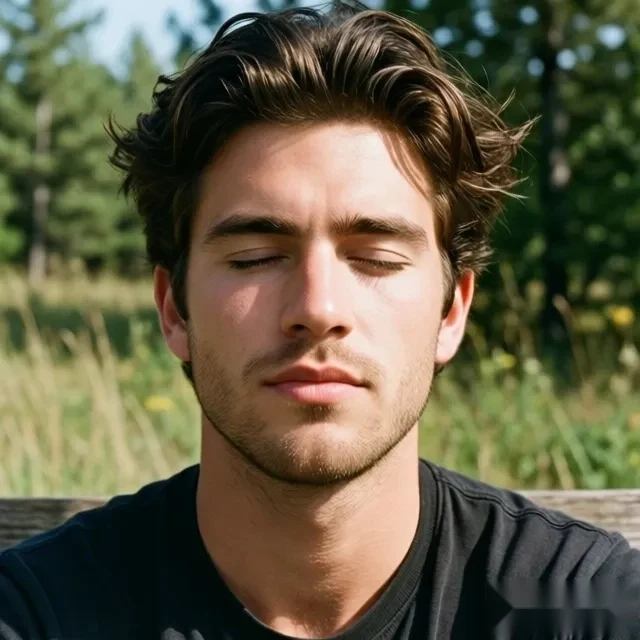
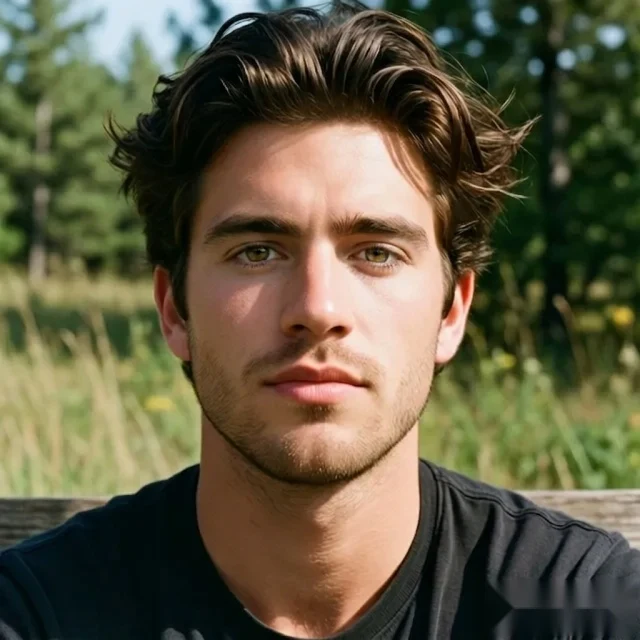
An outdoor portrait that already looks good, but feels incomplete because of one blink.
Common Photo Types That Work Well
Open-eye correction works especially well on clear portraits, casual two-person photos, and polished small-group shots where the composition already works except for one closed-eye moment.
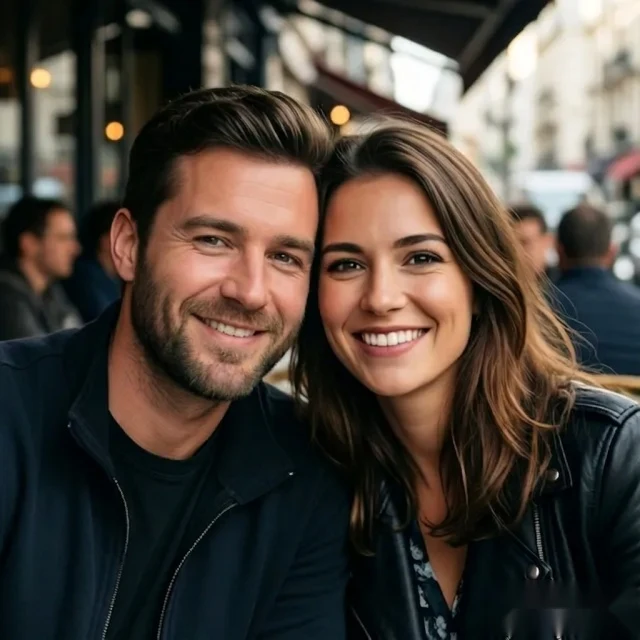
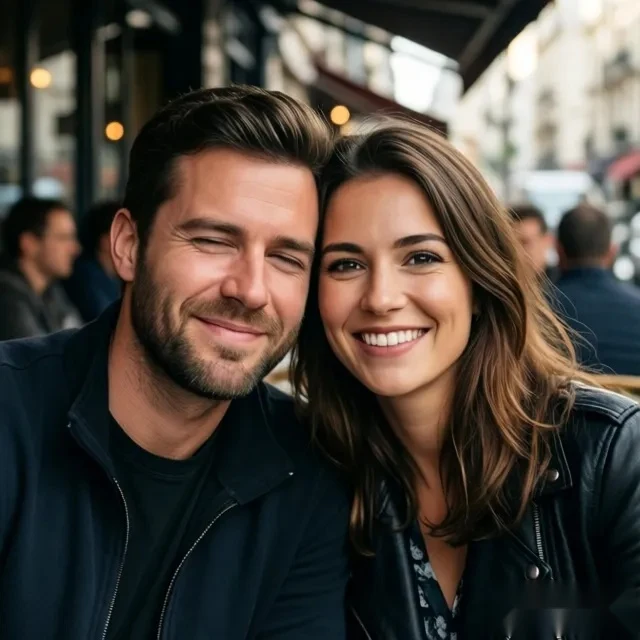
Casual two-person photos work well when only one eye state needs correction
A relaxed two-person photo can already feel right, but one blink is enough to make the final image feel off.
Correct the eye state while keeping the original casual mood and natural expressions.
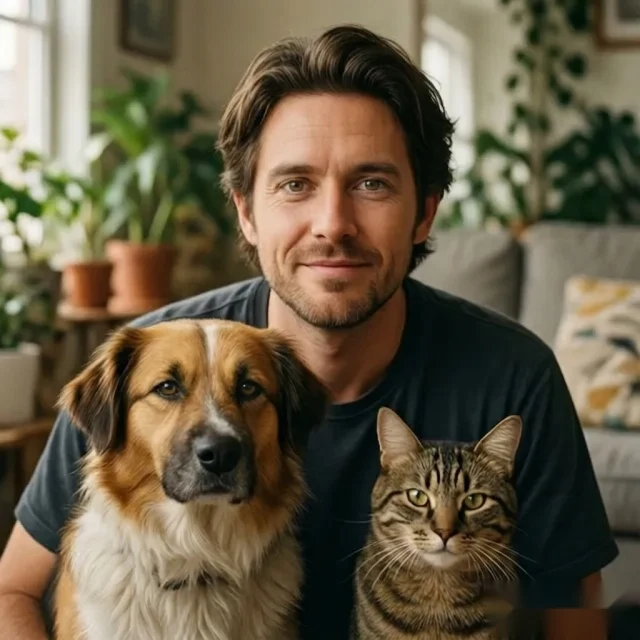
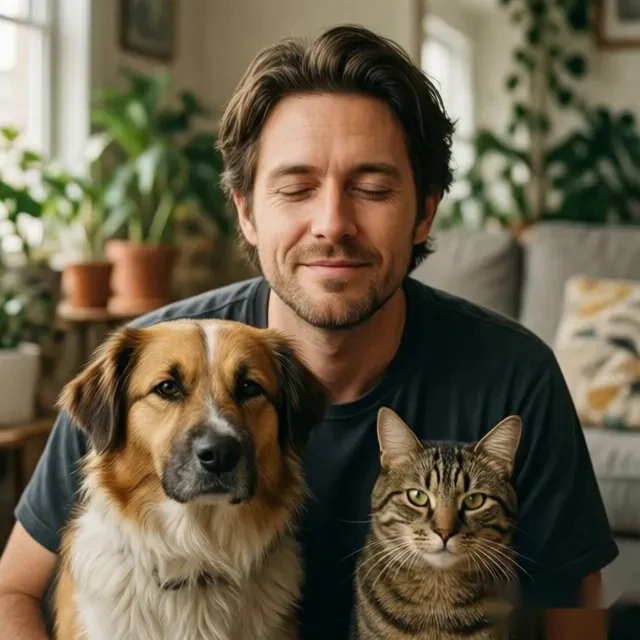
Lifestyle photos with a pet need the result to stay natural
These photos depend on the original atmosphere, so a heavy-handed correction can make the image feel less real.
Open the eyes in a way that keeps the interaction, warmth, and everyday feeling of the original shot.
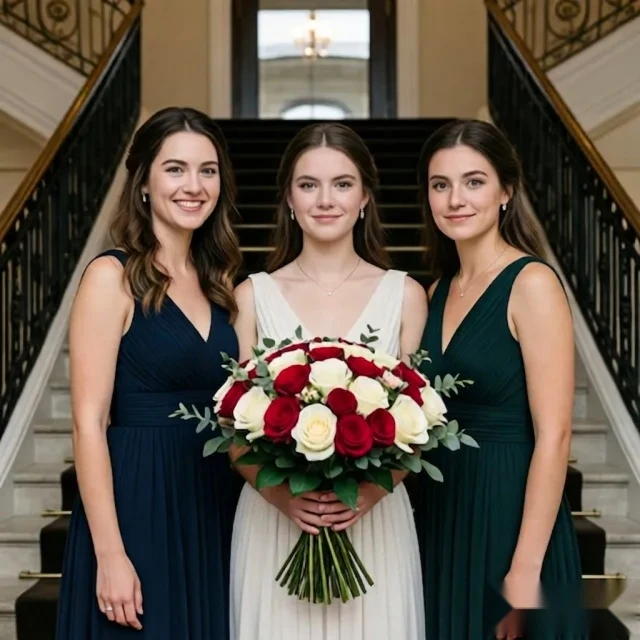
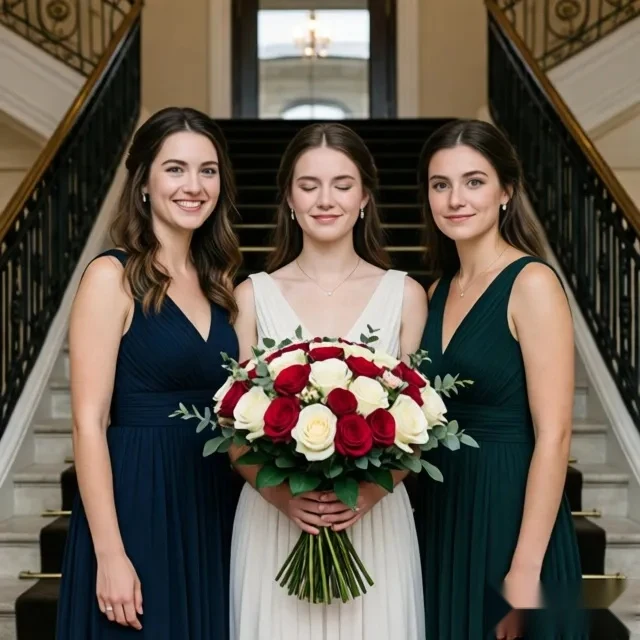
A polished group photo can fail because one central subject blinked
In a polished event photo, the composition may already be strong, but one closed-eye moment from the main subject can make the whole shot feel unusable.
Repair the central closed-eye detail while preserving the polished feel, composition, and event atmosphere.
Try It on a Similar Photo
Upload a portrait or everyday shot and see how natural the open-eye result can look.
How to Open Eyes in a Photo Online
Upload the image, let the AI analyze the face and eye area, generate a natural-looking correction, and download the updated photo in a few steps.
Upload the photo you want to keep
Start with a portrait, casual photo, or everyday shot that already looks right except for one blink or closed-eye moment.
Let the AI read the face and eye area
The tool analyzes face shape, eye position, and surrounding lighting so the correction fits the original image instead of looking pasted on.
Download a more natural open-eye result
Get a corrected image that keeps the original mood of the photo while restoring a realistic open-eye look.
Upload the photo you want to keep
Start with a portrait, casual photo, or everyday shot that already looks right except for one blink or closed-eye moment.
Why a Focused Tool Works Better Here
A general editor gives users many controls for many tasks. OpenClosedEyes should feel easier because it is built around one direct action: opening closed eyes in a photo without unnecessary manual work.
General editors give you many tools, but that also means more steps, more manual decisions, and more time spent solving one very specific problem.
OpenClosedEyes keeps the workflow short: upload the photo, let AI handle the eye correction, and get back a result that still looks like your original shot.
Frequently Asked Questions
Answers for users who want a natural open-eye result without using a full manual editor.
Can I open eyes in a photo online?
What kind of photos work best when I want to open eyes in photo?
Will the result still look natural after I open eyes in a photo?
Can this tool open eyes on photo without changing the whole face?
Does this work for casual portraits and selfies?
Can I use this as a photo editor open eyes solution without Photoshop?
What makes an open eyes photo editor easier than manual editing?
Can I fix one person with closed eyes in a group photo?
Do lighting and face angle affect how well AI can open eye in photo?
Can I use this tool on event photos, lifestyle shots, and formal group photos?
Related Pages
Explore other entry points for closed-eye repair and photo eye opening.
Start from the main tool page.
See the more problem-focused repair page.
Read the tutorial-intent version with a step-by-step angle.